
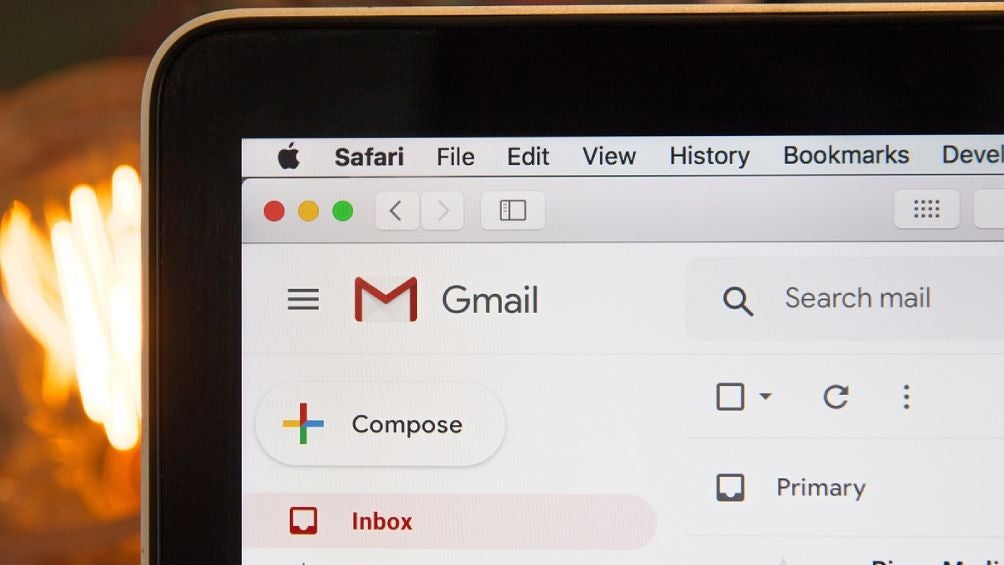
If you are a user android, It is very likely that you will use a combination Google Manage your emails and documents in the cloud. However, this can lead to storage issue on your phone, since attachments in gmail It can fill the device’s memory.
But don’t worry, there is a simple solution to save space on your mobile phone. All you have to do is turn off the automatic download of attachments option in Gmail. to do this. Follow next steps:
- Open the Gmail app on your Android phone.
- Click on the three horizontal lines in the upper left corner of the screen.
- Scroll down until you find the Settings option and select it.
- Select the Gmail account you want to edit.
- Scroll down to the Data Usage section.
- Turn off the Download Attachments option.
- Save the changes and exit the Gmail app.
With this setting, email attachments will not be automatically downloaded to your phone. Instead, you will have to download them manually by clicking on the file.
By following these steps, you can free up space on your Android phone and prevent auto-downloading Gmail attachments from filling up your device’s memory.