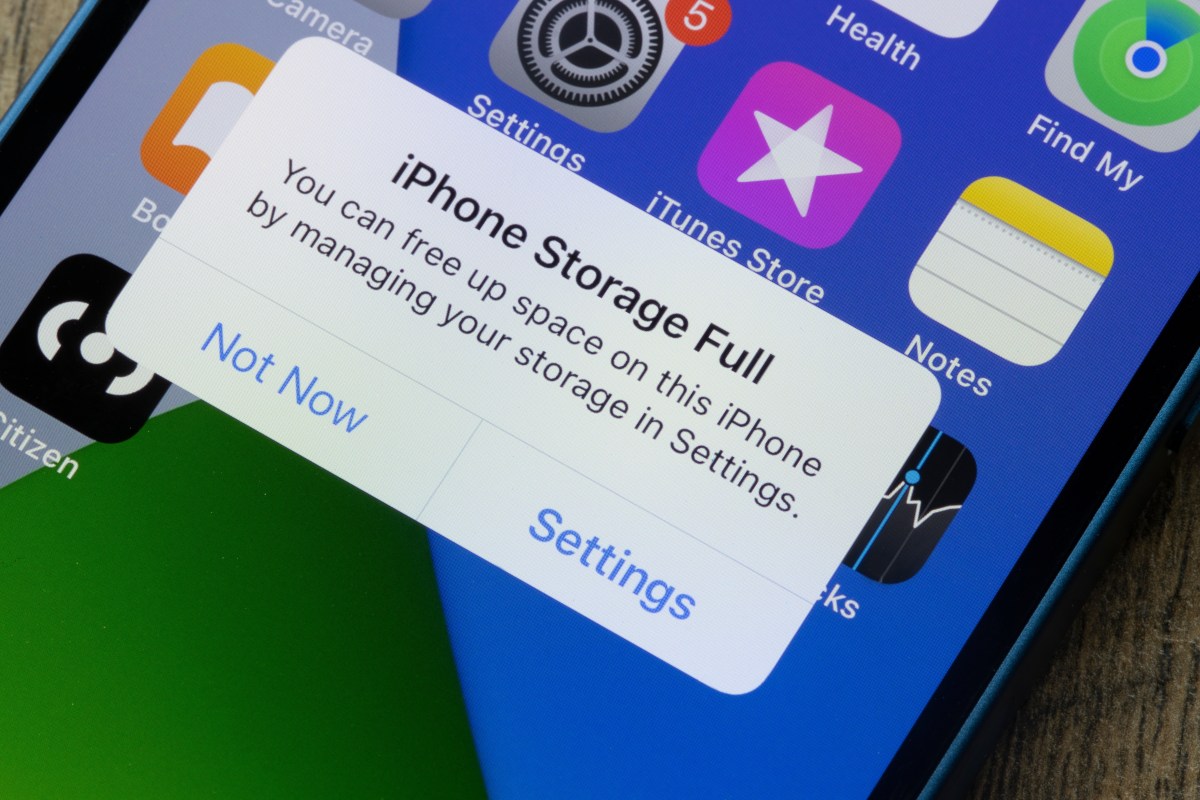
When we use our iPhones for everything from capturing special moments to installing apps and games, It is easy to fill device memory quickly. Fortunately, there are Simple and quick methods to free up space on your iPhone without the need for external tools. Below we describe three useful ways to improve the storage capacity of your device.
1. Delete unused apps
One of the easiest ways to free up space on your iPhone Delete apps you no longer use. Many a times we download applications out of curiosity or temporary need, take up unnecessary space and forget about them. To remove these apps:
1. Go to Settings > General > iPhone Storage.
2. Here you will see a list of all installed applications and how much space they are taking up.
3. Select the app you no longer need and tap Remove app.
Another option Enable the Auto Uninstall Unused Apps feature, which is found in the same menu. This feature automatically deletes apps you haven't used for a long time, keeping relevant data and documents, so if you decide to reinstall them, you won't lose important information.
2. Manage your photos and videos
Photos and videos are some of the main reasons for running out of space on iPhones, especially with the quality of today's cameras. Here are some strategies to better manage your media library:
1. Use iCloud Photos: By enabling this option, your photos and videos will be stored in the cloud, freeing up space on your device. You can turn it on by going to Settings > Photos > iCloud Photos and making sure it's turned on. You can also choose the Optimize iPhone storage option that keeps low-resolution versions on your device and saves the originals to iCloud.
2. Remove duplicate or unwanted photos and videos: Review your gallery and delete photos and videos you no longer need. You can do this manually or use third-party applications designed to detect and remove duplicates.
3. Export your photos and videos: Transfer your photos and videos to external storage or your computer. This not only frees up space but also ensures that your memories are backed up.
3. Clear caches and temporary data
Many applications store temporary data and caches that accumulate over time and take up a significant amount of space. Here's how to free up this space:
1. Safari: Clear the Safari cache By going to Settings > Safari > Clear history and website data. This will clear the data cached by the browser and free up space.
2. Specific applications: Some applications, like social media applications, also store large caches. Although not all apps allow you to clear the cache directly, You can delete and reinstall these apps to clear their temporary data. You can do this by going to Settings > General > iPhone Storage, selecting the app, and tapping Delete App before reinstalling it from the App Store.
3. Restart your iPhone: Sometimes, A simple reboot will free up space by deleting temporary files That is not necessary. Press and hold the power button and slide it to power off, then turn your device back on.
Freeing up space on your iPhone doesn't have to be a daunting task. By following these simple and quick methods, you can ensure that your device runs more efficiently and has enough space for new apps, photos and documents. Use your iPhone's settings and available tools to optimize your storage and keep your device in its best shape.
Continue reading:
– Improve your iPhone's memory: 3 tricks to increase capacity
– Learn how to free up space on your iPhone without deleting your photos or apps
– How to clear your iPhone cache step by step